Jewellery Product Photos That Increase Online Sales
The shots every jewellery product page needs, how to keep metal colour and sparkle true, and the photo mistakes that make buyers doubt a piece online.
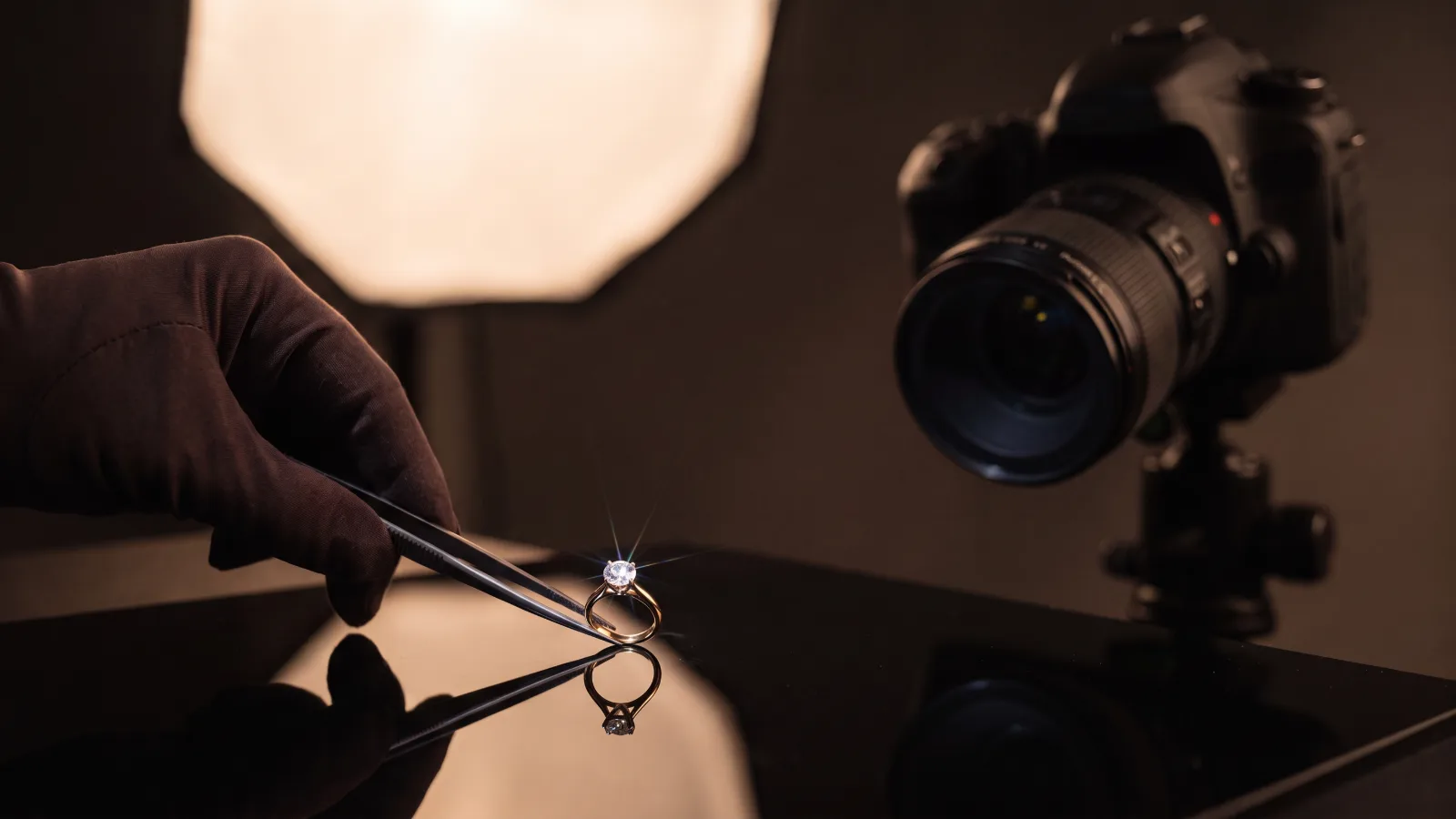
Online, a jewellery buyer cannot hold the piece, turn it in the light or try it on. The photos have to do all of that for them. That is why two jewellers selling similar designs at similar prices can see very different results online: one shows the piece honestly and beautifully from every angle, the other shows a single flat image that raises more questions than it answers. This guide covers the photos every jewellery product page needs, how to keep colour and sparkle true and the common mistakes that quietly cost sales.
Why photos decide jewellery sales online
Jewellery is bought on detail. Buyers zoom in to check the finish of the setting, the shape of the stones, the polish on the back and the strength of the clasp. If the photo is soft, oddly coloured or taken from only one angle, the buyer assumes the worst or moves on. Clear, consistent photos also reduce returns, because customers receive what they expected.
The shot list every product page needs
| Shot | Why it matters |
|---|---|
| Clean front view | The main image in listings and on the collection page, showing the full design clearly |
| Side, back and clasp | Shows depth, finish and build quality that buyers check before paying |
| Macro detail | Stones, filigree, enamel work and the hallmark, so buyers can judge craftsmanship |
| On model or on hand | Shows how the piece sits and moves when worn |
| Scale reference | Prevents the most common disappointment: a piece that is smaller than expected |
| Styled lifestyle image | Helps the buyer imagine the occasion, such as a wedding, a festival or the office |
| Short video | Shows sparkle and movement in a way still photos cannot |
You do not need every shot for every low value item, but for bridal, diamond and heavy gold pieces, the full set pays for itself.
Getting metal colour right
Gold is not one colour. Yellow gold of different purities, rose gold and white gold all photograph differently, and buyers notice when the photo does not match the piece in their hand.
- Fix the white balance using a grey card at the start of every shoot, and keep the lighting identical across the catalogue.
- Edit for accuracy first and beauty second. A warm filter that makes gold look richer will lead to complaints when the real piece arrives.
- Check the final images on a phone as well as a computer, because most of your buyers will see them on a phone.
Sparkle without fakery
Diamonds and gemstones need many small, controlled light sources to show fire and brilliance. Strip lights, small reflectors and careful angles create real sparkle in camera. Avoid adding artificial star effects in editing. Buyers have learned to distrust them, and they can create problems if a customer feels misled. A short video under good light shows real sparkle more convincingly than any edit.
If you sell lab grown diamonds, say so clearly in the photo captions and product details. Honesty here protects your reputation.
Keep the catalogue consistent
A collection page with mixed backgrounds, crops and shadows looks like a marketplace stall rather than a brand. Decide on one background, one framing for each product type and one shadow style, and use them for every new piece. Marketplaces usually ask for a plain white background for the main image, so many brands shoot both a white version for marketplaces and a styled version for their own website and social media.
Mistakes that make buyers doubt a piece
- Over retouching that removes all texture, so the piece looks like a computer render rather than real metal.
- Only CAD renders with no real photographs, which makes buyers wonder whether the piece exists.
- Colour that changes from one photo to the next on the same page.
- No sense of scale, especially for pendants, earrings and rings.
- Low resolution images that blur when the buyer zooms in.
- Large watermarks across the piece, which hide the very detail the buyer wants to see.
Technical basics for your website
Great photos can still underperform if the website handles them badly. Compress images to modern formats such as WebP so pages load fast on mobile data. Enable zoom on product images. Give each file a descriptive name and write alt text that describes the piece, for example “22 karat gold temple necklace with ruby drops”. This also helps your pieces appear in Google Images, which is a real discovery channel for jewellery shoppers.
In house or professional?
Small jewellers often start with a light tent and a phone, which is fine for social media stories. For the product catalogue, especially high value pieces, a dedicated setup with macro lenses, controlled lighting and careful retouching makes a visible difference. Many brands use a professional shoot for the core catalogue and in house content for daily social posts.
Nuwizo’s view
Photos are the showroom of an online jewellery store. Accurate colour, real sparkle and enough angles to answer every question are worth more than any discount. Our professional jewellery photography work is built around exactly this shot list, and it fits into our wider marketing for jewellers. If you are working on your online store, our guide on selling high value jewellery online covers the rest of the product page.
Frequently asked questions
How many photos should a jewellery product page have?
For most pieces, five to eight: a clean front view, side and back angles, a close detail, an on model or on hand shot, a scale reference and a styled image, plus a short video for high value pieces.
What background is best for jewellery photos?
A plain white or light grey background works best for the main image and is usually required by marketplaces. Many brands also use darker or styled backgrounds for social media and secondary images on their own website.
Should jewellery photos be retouched?
Yes, but lightly. Remove dust, scratches and reflections of equipment, and correct colour. Avoid retouching that changes the metal colour, the stone quality or the size, because it leads to disappointed customers and returns.
Do jewellery photos affect SEO?
Yes. Fast loading images, descriptive file names and accurate alt text help product pages rank and help your pieces appear in Google Images searches.