Google Business Profile Optimization: How to Rank on Google Maps in Bangalore (2026)
How to rank on Google Maps in Bangalore, based on what Google itself says about relevance, distance and prominence. Includes a full profile checklist, the rules on reviews, suspension risks and a 30 day action plan.
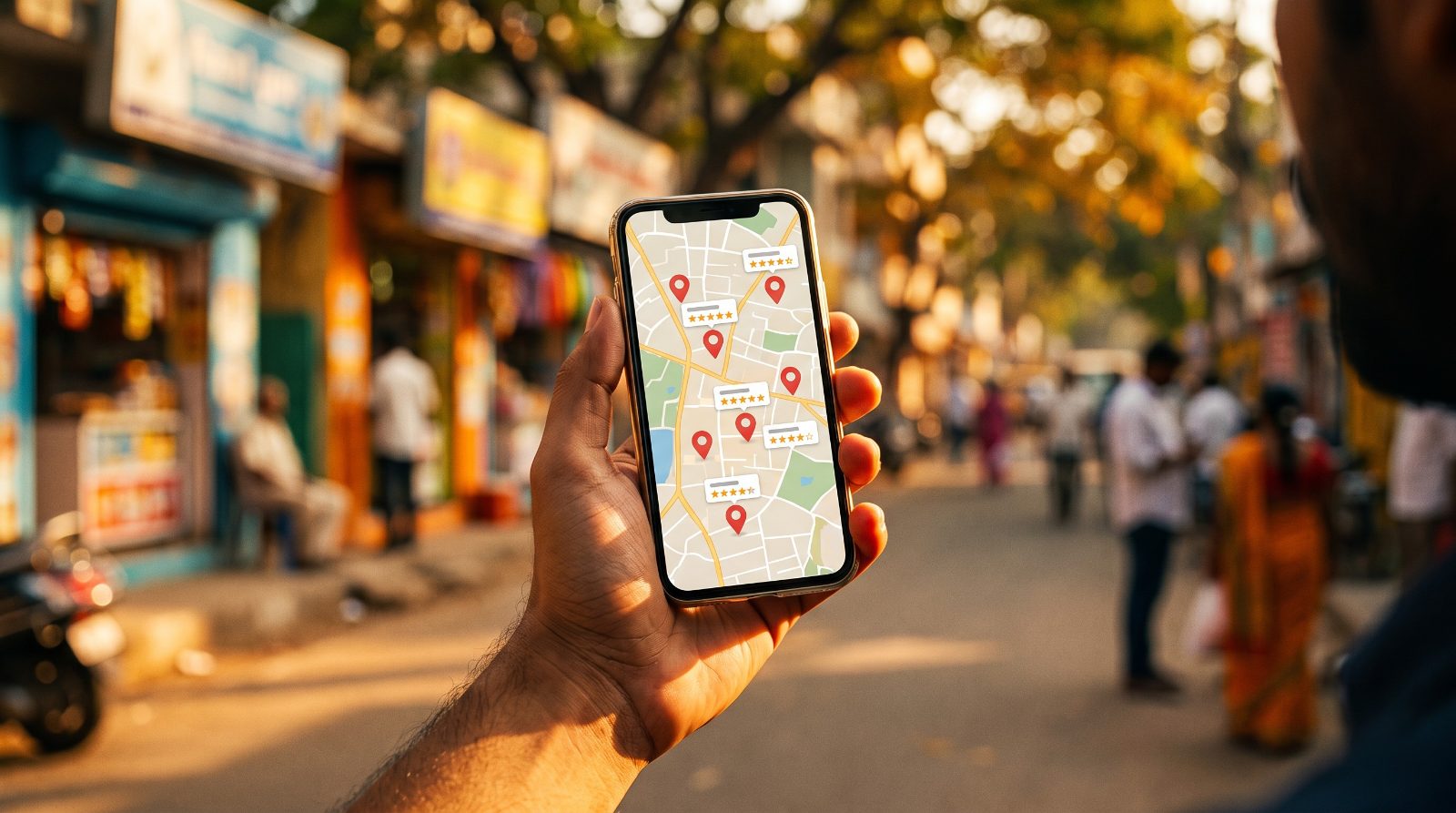
Google Business Profile optimization is how you get your business into the map pack, the three listings that show up with a map when someone in Bangalore searches “dentist near me” or “interior designers in HSR Layout”. In short: pick the right primary category, fill every field honestly, keep your name, address and phone identical everywhere, earn a steady flow of genuine reviews, and post and add photos regularly. Google itself says local results depend on relevance, distance and prominence, so everything you do should improve one of those three. This is the checklist our SEO team in Bangalore runs for local clients, with a 30 day plan you can follow yourself.
How Google ranks local results: relevance, distance and prominence
Before touching your profile, understand what Google actually measures (many people still search for this as Google My Business ranking, the profile’s old name). According to Google’s own help page on local ranking, local results are based mainly on three things.
Relevance is how well your profile matches what someone searched for. Your categories, services, products and description all feed this. A complete, accurate profile is more likely to match more searches.
Distance is how far your business is from the person searching, or from the location named in the search. You can’t change where you are, which is exactly why a clinic in Koramangala struggles to show up for someone standing in Whitefield.
Prominence is how well known your business is. Google says this includes information from across the web, like links and articles, plus how many reviews you have and your rating. Your organic website rankings count too.
One line on that page is worth remembering: there’s no way to request or pay for a better local ranking. Anyone promising “guaranteed Google Maps rank 1” is either running ads or doing something that will get you suspended.
The full Google Business Profile optimization checklist
Here’s every element we check, what good looks like, and the mistake we see most often in Bangalore profiles.
| Element | What to do | Common mistake |
|---|---|---|
| Business name | Use your real world name exactly as on your signboard and GST certificate | Adding keywords like “Best Dental Clinic HSR Layout” to the name |
| Primary category | The single most specific category that describes what you are, for example “Cosmetic dentist” rather than “Dentist” if that’s your core work | Choosing a broad category or the one a competitor uses |
| Secondary categories | Add only categories that are genuinely part of your business | Adding ten loosely related categories |
| Services | List every service with a short description, using the words customers actually search | Leaving this blank or copying generic text |
| Products | Add key products or packages with photos and price ranges in rupees | Ignoring it because “we’re a service business” |
| Description | Plain description of who you serve, what you do and where, up to 750 characters | Stuffing it with keywords or putting phone numbers and links in it |
| Hours | Accurate regular hours plus special hours for Diwali, Ugadi and other holidays | Showing “Open” on a festival day when you’re shut |
| Photos and videos | Real photos of your storefront, signage, interiors, team and work, added monthly | Only stock images, or nothing new for a year |
| Posts | Updates, offers and events once a week | Posting once, then forgetting about it |
| Questions | Answer common customer questions in your description, services and website FAQ | Leaving wrong or outdated answers unchallenged |
| Reviews | Ask every happy customer, reply to every review, good or bad | Buying reviews or offering discounts for them |
| NAP consistency | Same name, address and phone on your profile, website, social and directories | Old address on JustDial, different phone on the website |
| Website landing page | Link to a page about that specific location and its services, not just your homepage | Linking to a slow homepage with no address on it |
| Citations | Accurate listings on JustDial, Sulekha, IndiaMART and industry sites | Duplicate listings created by different staff over the years |
A note on questions: Google has been replacing the old public Q&A section on Maps with an AI “Ask” feature that answers from your profile details and reviews. That makes complete, accurate information in your services and description even more valuable, because that’s what the answers get built from.
Choosing the right categories (the step most businesses get wrong)
If we could fix only one thing on most profiles, it would be the primary category. It carries a lot of weight for relevance.
Google’s guidelines for representing your business ask you to use as few categories as possible and pick ones that complete the sentence “This business IS a”, not “This business HAS a”. A hotel with a restaurant is a hotel. A restaurant with a bar might still be a restaurant first.
How to choose:
- Search your main keyword on Google Maps from your own area, for example “physiotherapy clinic Koramangala”.
- Note the primary categories of the top three profiles (free browser extensions or simply the label under the business name show this).
- Pick the most specific category that is honestly true for your business.
- Add two to four secondary categories for real, significant parts of your work.
- Recheck every few months, because Google adds new categories over time.
How to get more genuine Google reviews, legally
Reviews feed prominence directly, and they’re what customers read before calling you. But the rules are strict, and Indian businesses break them all the time without realising.
Google’s prohibited and restricted content policy says businesses must not offer incentives, such as payment, discounts or free goods and services, in exchange for any review. It also says you must not discourage negative reviews or selectively ask only happy customers (this is called review gating), and you shouldn’t pressure people to leave reviews while they’re still on your premises. Reviews from current or former employees count as a conflict of interest too.
So no “show us your 5 star review and get 10 percent off”. No staff reviewing their own employer. No review exchange groups on WhatsApp.
What does work, within the rules:
- Use Google’s own review link or QR code. In your profile, go to Read reviews, then Get more reviews, and copy the link or download the QR code.
- Ask every customer, not just the happy ones. Send the link on WhatsApp with the invoice or after the appointment. A short personal message works better than a template blast.
- Time it well. Ask when the value is fresh: right after delivery, after a successful treatment, or at flat handover.
- Put the QR code where people wait. Billing counter, reception, a table tent. Visible, not pushy.
- Reply to every review. Thank people by name. For negative reviews, stay calm, acknowledge the issue and take it offline. Future customers read your replies as much as the reviews.
Honestly, the businesses with the best review profiles in Bangalore aren’t doing anything clever. They just ask every single customer, every single time.
Local SEO in Bangalore: storefront, service area and neighbourhoods
Bangalore is big, traffic is brutal, and people search very locally. “Near me” and neighbourhood searches like “pediatrician Indiranagar” or “CA in Jayanagar” are where most local intent shows up. A few things specific to how we handle local SEO in Bangalore.
Storefront or service area business?
| Storefront business | Service area business | |
|---|---|---|
| Examples | Clinics, restaurants, salons, showrooms, retail stores | Pest control, home cleaning, AC repair, interior designers who visit sites |
| Address shown? | Yes, customers visit you | No, Google asks you to hide your address |
| Service area | Optional | Set the areas you serve, kept within about two hours of driving from your base |
| Signage and staff | Permanent signage and staffed during listed hours | A real base location, but not open to walk ins |
Google is clear that virtual offices and PO boxes aren’t eligible, and co working spaces only qualify with permanent signage and staff present during business hours. We see this a lot with startups registering at a shared address in Koramangala. It’s one of the fastest routes to a suspension.
Using neighbourhood keywords the right way
You can’t put “HSR Layout” or “Whitefield” in your business name unless it’s genuinely part of your registered name. But you can, and should, use neighbourhood terms in your description, your services, your posts and especially on your website. If you serve Whitefield, Marathahalli and Bellandur, build a proper page for each with real content: projects done there, directions, local landmarks, area specific FAQs. Customers will naturally mention areas in their reviews too, which helps.
If you genuinely have two branches, say HSR Layout and Whitefield, each one gets its own verified profile and its own landing page. One location, one profile. Never create fake branches to cover more of the city.
Google Maps SEO beyond the profile: website, NAP and citations
Your profile doesn’t rank in isolation. Prominence takes the wider web into account, so the work outside Google matters.
Website landing page. Link your profile to a fast, mobile friendly page with your exact name, address and phone, a Google Map embed, your services, and the neighbourhoods you serve. Add LocalBusiness schema. If your site is weak, fixing it often moves Maps rankings too. When we worked on MEMCO Associates, website traffic grew 5x, and a strong site supports everything else in local search.
NAP consistency. Pick one exact format of your name, address and phone, and use it everywhere. “No. 12, 27th Main, HSR Layout Sector 2” on one site and “27th Main Road, Sector II, HSR” on another confuses both customers and Google.
Citations. In India, the directories that matter most are JustDial, Sulekha and IndiaMART, plus vertical sites: Practo for doctors, Zomato and Swiggy for restaurants, MagicBricks and 99acres for real estate, Houzz for interior designers. Claim them, clean up duplicates and make the details match your profile. For more on this in one industry, see our guide to local SEO for interior designers.
AI search tools like ChatGPT and Google’s AI Overviews also pull from these sources when people ask for local recommendations. Our AI SEO guide covers how to show up there.
Suspension risks and how to avoid them
A suspended profile disappears from Maps overnight, and getting it back can take weeks. These are the triggers we see most often:
- Keywords or locations stuffed into the business name.
- Virtual office, co working desk without signage, or a home address listed as a storefront.
- Duplicate profiles for the same business.
- Fake branches created to rank in more neighbourhoods.
- Bought, incentivised or employee reviews.
- Sudden big edits to name, address and category all at once.
- A service area far larger than you can genuinely cover.
If it does happen, use Google’s official appeals tool. Keep proof ready: your GST registration certificate, shop and establishment licence, utility bills and photos of signage, with the name and address matching the profile exactly. And don’t create a new profile while the appeal is under review; Google specifically warns against it.
A 30 day Google Business Profile action plan
Here’s how we’d sequence the work for a single location business starting from an average profile.
| Days | Focus | Tasks |
|---|---|---|
| Days 1 to 3 | Audit and fix basics | Verify ownership and access, correct name, address, phone and hours, remove duplicate listings, check the primary category against top competitors |
| Days 4 to 7 | Relevance | Finalise categories, add every service and product, write a clear 750 character description, add attributes |
| Days 8 to 12 | Photos and website | Upload 20 to 30 real photos, update the website landing page with NAP, map, services and schema, link the profile to it with UTM tags |
| Days 13 to 18 | Citations | Claim and correct JustDial, Sulekha, IndiaMART and your industry directory, match NAP exactly everywhere |
| Days 19 to 24 | Reviews | Generate the review link and QR code, set up a WhatsApp message after every sale or visit, reply to all existing reviews |
| Days 25 to 30 | Activity and tracking | Publish weekly posts, add new photos, record baseline numbers for calls, direction requests and website clicks |
After day 30, the routine is simple: a post every week, new photos every month, review requests every day, and a monthly look at the numbers.
How to track results: calls, direction requests and website clicks
Rankings move around depending on where the searcher is standing, so don’t obsess over a single position. Track actions instead. Your profile’s Performance section shows calls, direction requests, website clicks, messages, bookings, profile views and the search terms people used to find you (this data is only available for verified profiles).
A simple monthly report should cover:
- Calls from the profile, and how many turned into bookings or sales.
- Direction requests, the best signal for walk in businesses like clinics, restaurants and showrooms.
- Website clicks, tracked in Google Analytics through UTM tags on your profile link so you can see what those visitors did next.
- Search terms, to spot new services or neighbourhood phrases worth adding to your profile and website.
- Review count and average rating, compared with your top three local competitors.
If you’re running ads alongside, keep the numbers separate so you know what organic local search is actually bringing in. And if you’re deciding whether to do this in house or hire help, our guide on how to choose the best local SEO company lists the questions to ask. Local SEO is also a core part of the work our SEO company in Bangalore does for clinics, real estate firms, restaurants and service businesses.
Frequently asked questions
How long does it take to rank on Google Maps?
Fixing categories and basic details can show movement within a few weeks. Building prominence through reviews, citations and website authority usually takes three to six months, depending on how competitive your category and neighbourhood are. A dentist in Koramangala faces much tougher competition than one in a smaller suburb.
Can I add keywords to my Google Business Profile name?
No. Google’s guidelines say your name should match your real world business name as used on your signage and stationery. Adding keywords or locations that aren’t part of your actual name is one of the most common reasons for suspension.
Is it allowed to ask customers for Google reviews?
Yes, asking is fine and encouraged. What’s not allowed is offering anything in return, asking only happy customers, discouraging negative reviews or having employees review the business. Use Google’s review link or QR code and ask everyone.
Does Google Business Profile optimization cost money?
The profile itself is free, and Google says you can’t pay for a better local ranking. Costs come from the work around it: photos, website landing pages, citation cleanup and ongoing management. Local SEO services in Bangalore typically charge a monthly retainer that depends on the number of locations and the competition.
Should a service area business show its address?
No. If you serve customers at their location and don’t receive them at your premises, Google asks you to hide your address and set a service area instead. Keep the area realistic, within roughly two hours of driving from your base.
If your profile isn’t showing up where it should, or you’re not sure whether your setup is risking a suspension, we’re happy to take a look. Drop us a message and we’ll tell you honestly what we’d fix first.