Ecommerce Product Photography: Ideas, Amazon Rules and Real Costs in India (2026)
A practical guide to ecommerce product photography in India, covering the shots every listing needs, marketplace image rules for Amazon.in, Flipkart, Meesho, Myntra and Shopify, 18 creative ideas and what shoots really cost.
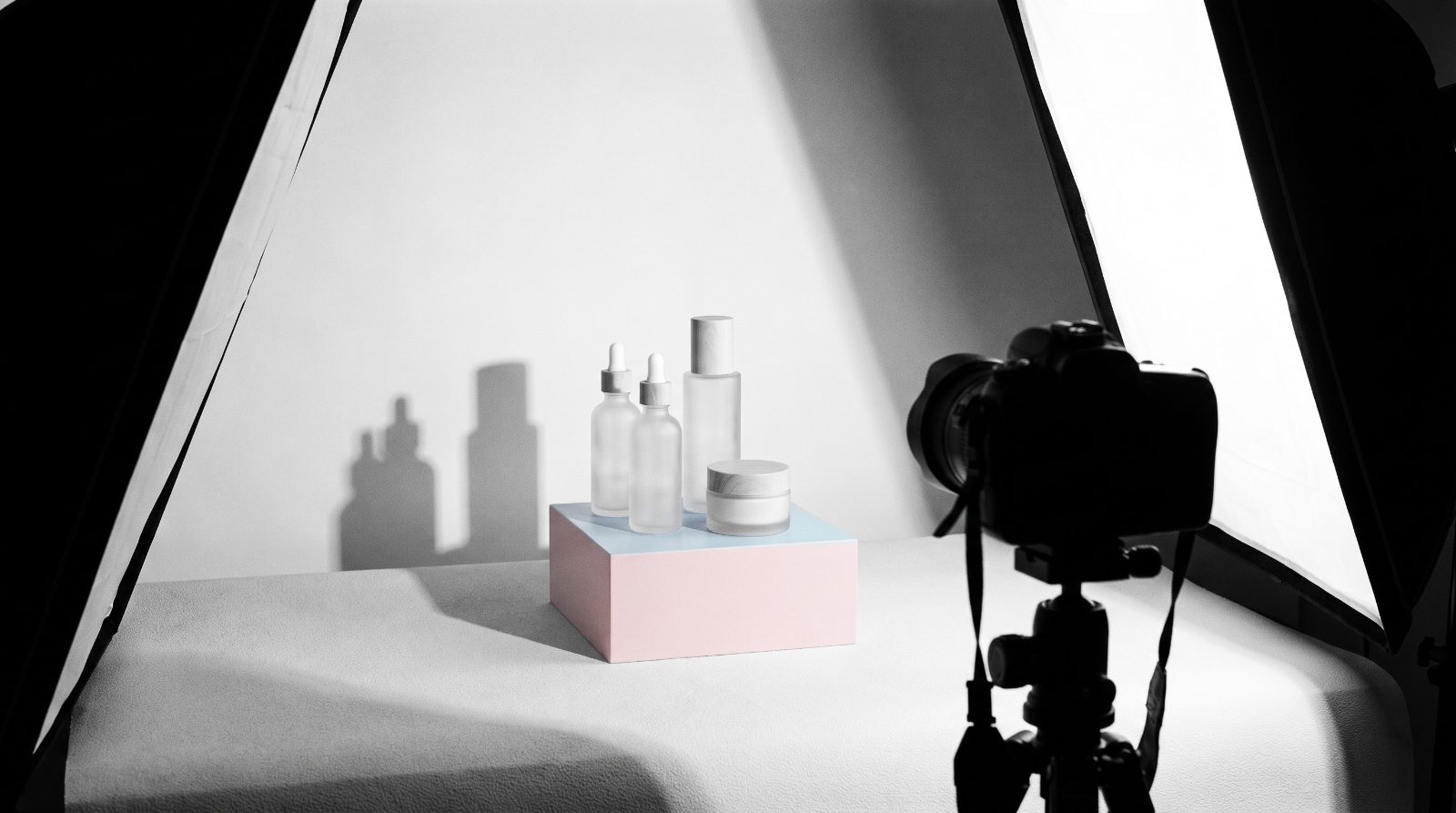
Ecommerce product photography is the set of images that sells your product online: a clean white background main shot that marketplaces like Amazon.in and Flipkart require, plus lifestyle, detail, scale and on model shots that answer the buyer’s questions before they ask. In India, expect to pay roughly ₹150 to ₹1,000 per image for catalogue work and ₹1,000 to ₹4,000 per image for styled or model shots.
Your photos do the job a salesperson does in a shop on Commercial Street. They show the fabric, the size, the finish and the feel. At Nuwizo, our product photography team in Bangalore shoots for D2C brands, Amazon sellers and Shopify stores, and the same pattern shows up every time: brands that plan the shot list around buyer doubts sell more and get fewer returns. This guide covers the shot types, marketplace image rules, 18 ideas by category, real prices in India and a simple way to brief a photographer.
Why ecommerce product photography decides your sales
Online, nobody can pick up your kurta. The photos are the product.
Baymard Institute’s large scale usability research found that 56% of users explore product images first when they land on a product page, before reading the title or the price details. In the same body of research, 42% of users tried to judge a product’s size from its images. So when the photos are blurry, too few, or don’t show scale, buyers either leave or guess. And when they guess wrong, you pay for it twice: once in a lost sale, once in a return.
Returns hurt Indian sellers more than most. Between reverse shipping and cash on delivery refusals, one “not as expected” return can wipe out the margin on several orders. Honestly, a good shoot is one of the cheapest ways to cut returns, because it sets the right expectation up front.
Types of product shots and when to use each
A strong listing uses a mix. Here is what each shot does.
White background product photography
The clean cutout on pure white. This is your main image on Amazon.in and Flipkart and the tile buyers see in search results. Every product needs one, no exceptions.
Lifestyle shots
The product in use, in a real setting: a steel bottle on a desk in a Whitefield office, a cotton saree at a Diwali puja, a skincare serum on a bathroom shelf. Lifestyle images build desire and help the buyer picture the product in their own life. Use them as images 3 to 5 on marketplaces and as hero banners on your own store and in Meta ads.
Flat lay
Shot from directly above, with the product arranged neatly alongside props. Flat lays work beautifully for fashion accessories, stationery, gift hampers, food and beauty kits. They are also Instagram friendly, which matters if you sell through social.
On model
Essential for apparel, jewellery, eyewear and anything worn. Buyers want to see fit, drape and how a necklace sits on the collarbone. Baymard’s testing found shoppers actively looked for products shown on a real person and pushed back when they could only see swatches or flat products.
360 degree spin
A sequence of frames stitched into an interactive spin. Great for footwear, electronics and bags where shape matters. It costs more, so save it for top sellers.
Infographic images
A clean product shot with callouts: dimensions, materials, key features, what’s in the box. These do a lot of heavy lifting on Amazon.in where shoppers scroll images on mobile and rarely read bullet points. Keep text large enough to read on a phone screen.
Scale shots
The product next to a hand, a coin, a phone or a person. Scale shots answer “how big is it actually?” and are the single most skipped shot we see in Indian listings. If you sell planters, bags, lamps or kitchenware, you need one.
Detail and texture closeups
Stitching, wood grain, the shine on a gold plated jhumka. Closeups justify a higher price than the listing next to yours.
Amazon product photography rules and other marketplace image requirements
Get image rules wrong and you face suppressed listings or rejected catalogues. Here is a quick reference. Amazon and Shopify figures come from their official help pages. Flipkart, Meesho and Myntra publish detailed specs inside their seller panels, so treat those rows as the commonly applied standard and confirm in your panel before you shoot.
| Platform | Size | Main image background | Image count | Notes |
|---|---|---|---|---|
| Amazon.in | 500 to 10,000 px on the longest side; 1,000 px or more enables zoom | Pure white (RGB 255, 255, 255) | At least 1; Amazon recommends 6 or more images plus a video | Product should fill about 85% of the frame; no text, logos or watermarks on the main image; JPEG preferred |
| Flipkart | At least 1,000 px on each side is the common standard | White | Several per listing, varies by category template | Product should fill most of the frame; real photo, sharp, no watermarks |
| Meesho | Clear, high resolution; portrait 3:4 is widely used for fashion | Plain, uncluttered background preferred | Front image mandatory, more images recommended | The first image must be a sharp front view; collages and heavy text are commonly rejected |
| Myntra | Portrait 3:4 is the common standard, around 1,080 x 1,440 px or larger | White or off white studio background | Multiple angles per style | On model shots expected for most fashion categories; Myntra shares its style guide with approved partners |
| Your own Shopify store | 2,048 x 2,048 px for square images displays best; max 5,000 x 5,000 px and 20 MB | Your choice, but keep it consistent | Multiple; 6 to 8 per product is a good target | Keep one aspect ratio across your catalogue so collection grids look tidy |
For Amazon, the official word sits in Seller Central. The Amazon Listings Lounge thread on image requirements sums up the size, format and count guidance and links to the full help page. Shopify’s help centre gives the 2,048 x 2,048 px recommendation and the 20 MB limit.
Our practical advice: shoot every product at 2,000 x 2,000 px or larger on true white, then export separate versions for each marketplace. One shoot, five sets of files.
18 product photography ideas by category
Need fresh product photography ideas for your next shoot? Here are the ones we keep coming back to, grouped by what you sell.
Fashion and apparel
- Ghost mannequin: the garment shot on a mannequin, which is then edited out, so you see shape and fit without a model. Ideal for catalogue consistency.
- Movement shots: a model walking or twirling so a lehenga or a flowy dress shows its fall.
- Styled outfit flat lay: the kurta with matching dupatta, juttis and earrings laid out as a complete look.
Jewellery
- Macro on reflective acrylic: tight focus on stones and finish, with a soft reflection underneath.
- On skin closeups: earrings on an ear, a ring on a hand with natural nails. Shows real size instantly.
- Festive context: temple jewellery against silk, marigolds and brass for Diwali, Onam or wedding season campaigns.
Food and beverages
- Ingredient spread: the pack surrounded by what goes inside it, like spices, millets or cold pressed nuts.
- Serving suggestion: the masala in a finished dish, the coffee poured into a steel tumbler. Sells the outcome, not the pack.
- Action shots: a pour, a drizzle, a broken cookie with crumbs. Motion makes food look fresh.
Beauty and personal care
- Texture swatches: a smear of cream or a drop of serum on glass so buyers see consistency.
- Water and splash shots: bottles on wet stone or with water droplets for face washes and hydrating products.
- Shade range on diverse skin tones: essential for makeup in India, where one model rarely represents your buyers.
Electronics and gadgets
- In hand scale shot: earbuds, power banks or a smartwatch held in a hand so size is obvious.
- Ports and buttons closeup: every port labelled in an infographic. Kills half your pre sale questions.
- Desk setup lifestyle: the product in a clean work from home setup, which speaks straight to Bangalore’s tech crowd.
Home decor and kitchen
- Room context: the lamp, cushion or planter styled in a real living room corner with natural window light.
- Scale with furniture: a wall clock above a sofa, a vase on a side table, so the buyer judges size correctly.
- Before and after: a dull balcony, then the same balcony with your planters and fairy lights. Works brilliantly in ads too.
Product photography price in India: what it really costs
Product photography pricing in India varies a lot with who shoots, how complex the setup is and how much editing you need. We pulled rate cards published by several Indian studios and photographers in 2026, and the ranges below line up with what we see in the Bangalore market.
| Who shoots | White background (per image) | Lifestyle or styled (per image) | On model (per image) | Day rate |
|---|---|---|---|---|
| Freelancer | ₹150 to ₹500 | ₹500 to ₹1,500 | Model fees extra | ₹3,000 to ₹8,000 |
| Studio | ₹300 to ₹1,000 | ₹700 to ₹2,500 | ₹1,500 to ₹4,000 | ₹8,500 to ₹15,000 (half day), ₹20,000 to ₹35,000 (full day) |
| Agency (with creative direction, styling, models) | ₹500 to ₹1,500 | ₹1,500 to ₹5,000 | ₹3,000 and up | ₹35,000 to ₹1,00,000 or more |
A few things move the price. Jewellery and reflective products need more retouching. Bulk shoots of 100 or more products often drop to ₹50 to ₹300 per image. Models charge anywhere from ₹5,000 to ₹80,000 a session on top. And GST at 18% applies on invoices from registered studios and agencies.
Our honest take: freelancers are fine for a simple white background catalogue. For lifestyle shots, models and a consistent look across 50 SKUs, a studio or agency usually works out cheaper per usable image, because you avoid reshoots.
How to brief a photographer in 6 steps
A vague brief is the number one reason shoots go wrong. Use this checklist.
- List every SKU and variant. Colours, sizes, packs. Note which variants need their own photos and which can share.
- Write the shot list per product. For example: 1 white background front, 1 back, 1 side, 1 detail, 1 scale, 2 lifestyle. Number them in the order they will appear on the listing.
- Share platform specs. Tell them where the images will go (Amazon.in, Flipkart, Myntra, your Shopify store, Meta ads) so they shoot at the right size and leave room for crops like 1:1, 4:5 and 9:16.
- Send a mood board. 8 to 10 reference images of the look you want, plus 2 or 3 you don’t.
- Agree on retouching. Background cleanup, colour correction, shadow style. Ask for a sample edit before the full batch.
- Confirm deliverables and usage. File formats, resolution, number of revisions, delivery date and whether you own full usage rights for ads.
If you also plan to shoot video on the same day, add it to the brief. Short spins and demo clips convert well, and we covered why in our post on how product videos boost ecommerce sales.
DIY phone product photography tips
Just starting out with 10 products and a tight budget? A recent phone gets you surprisingly far.
- Use window light. Shoot near a big window, away from harsh direct sun. Tape butter paper on the glass to soften it.
- Build a sweep. A white chart paper or foam board curved from wall to table gives you a clean, curved background for under ₹200.
- Bounce the shadows. A second white board opposite the window fills in dark sides.
- Turn off the flash and avoid digital zoom. Move the phone closer instead.
- Use a tripod and timer. A ₹500 phone tripod fixes most blur problems.
- Lock focus and exposure. Tap and hold on the product, then slide exposure slightly up for white backgrounds.
- Edit for consistency. Use the same crop, brightness and white balance for every product. A background removal tool can push the background to true white for Amazon.
DIY is good for testing. Once a product starts selling, invest in proper shots.
How good photos affect conversion and returns
Think about the buyer’s path on Amazon.in. They see a thumbnail in search, tap, swipe through images, and only then check price and reviews. A sharp main image wins the click in a crowded grid. A full set of angles, scale and detail builds trust. And accurate colours and size cues mean the product that arrives matches the one they saw, which is what keeps returns down.
Photos also need a page that loads fast and looks good on a phone, because that’s where most Indian shoppers browse. If your product pages feel slow or cramped on mobile, read our guide on optimising product pages for mobile.
Good images are also your best ad creative. If you want the photos, listings and ads planned together, our ecommerce marketing team handles that end to end.
Common mistakes we see in Indian listings
- Off white main images. A slightly grey background gets suppressed on Amazon. Check it is true white.
- No scale reference. The top cause of “smaller than expected” reviews.
- Over editing colour. A saree that looks maroon online and arrives brick red is a guaranteed return.
- Inconsistent style. Different lighting and angles across a catalogue makes a brand look like a reseller.
Want to compare options before you hire? Here is how to choose a product photography studio in Bangalore, with the checks that matter before your shoot.
Frequently asked questions
How much does product photography cost in India?
Simple white background images usually cost ₹150 to ₹1,000 per image depending on whether a freelancer or studio shoots them. Lifestyle and on model images range from about ₹700 to ₹5,000 per image. Full day studio shoots run ₹20,000 to ₹35,000, and agency shoots with models and styling can cross ₹1,00,000 a day.
What are Amazon’s product image requirements?
Amazon accepts images from 500 to 10,000 pixels on the longest side, and 1,000 pixels or more enables zoom. The main image must be on a pure white background (RGB 255, 255, 255) with the product filling about 85% of the frame and no text, logos or watermarks. Amazon recommends at least six images and a video.
What is the best background for ecommerce product photography?
Pure white is the safest choice for main images because Amazon.in and Flipkart require it and it keeps your catalogue consistent. For secondary images, ads and your own website, use lifestyle settings or coloured backdrops that match your brand.
How many product photos should a listing have?
Aim for 6 to 8 images per product: a white background main shot, two or three other angles, a detail closeup, a scale shot and one or two lifestyle images. Add an infographic for products with technical features.
Can I do product photography with a phone?
Yes, for a small catalogue. Use soft window light, a white sweep, a tripod and consistent editing. Once products start selling or you move into ads, professional shots usually pay for themselves through better click through and fewer returns.
Where can I get product photography in Bangalore?
Bangalore has freelancers, rental studios and full service agencies across HSR Layout, Koramangala, Indiranagar and Whitefield. Pick one that understands marketplace rules and can deliver ad ready crops from the same shoot.
If you’d rather hand the whole thing over, from shot list to marketplace ready files, have a look at our product photography services in Bangalore. Tell us what you sell and where you sell it, and we’ll suggest a shot plan that fits your budget. No pressure, just a straight conversation.